Chat

Encrypted messaging in the browser — no account required.
1. Open the app
- Use a modern browser (Chrome, Firefox, or Edge).
- Allow camera and microphone if prompted (needed for WebRTC and calls).
2. Connect with someone
Both people need the app open.
- Click Create new chat.
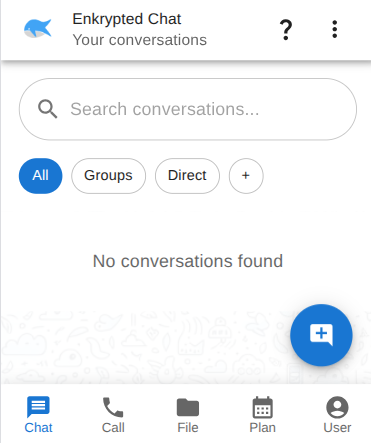
- Click Add peer.
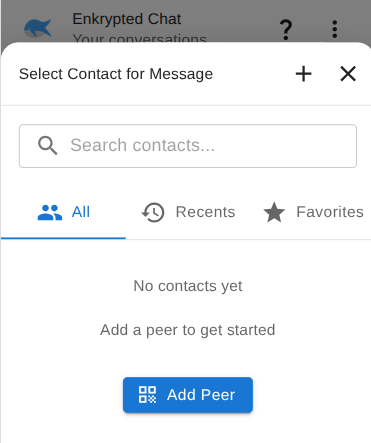
- Exchange connection links, QR codes, or peer IDs.
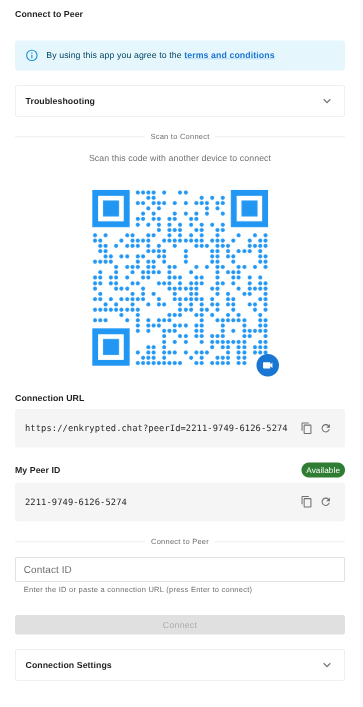
- When connected, open the chat from your list.
3. Send a message
- Type a message (attachments supported).
- Click Send.
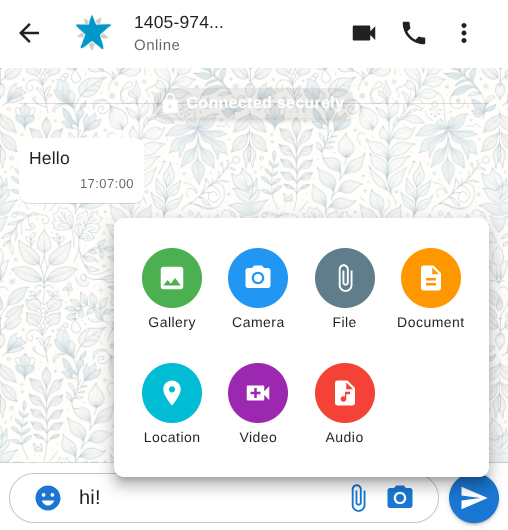
Messages are end-to-end encrypted over WebRTC.
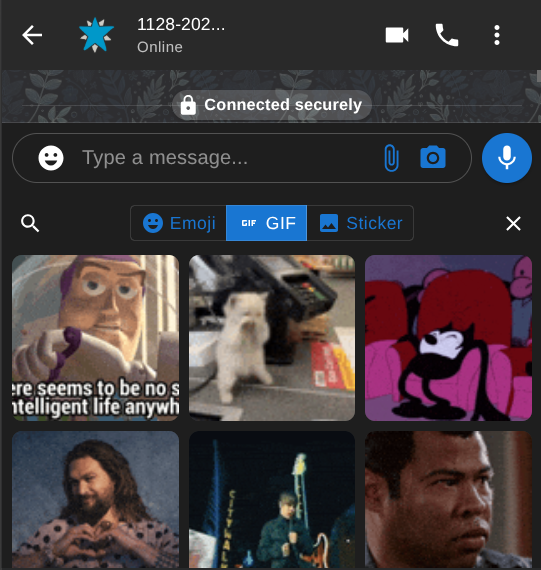
4. GIFs, emoji, and stickers
- Tap the smiley icon next to the message field.
- Open the GIF, Emoji, or Sticker tab.
- Pick one to send.
You can also start a voice or video call from the chat header — see Calls.