Plan
Manage your schedule locally in the browser — no separate calendar account.
1. Open the Plan tab
Tap Plan in the bottom navigation.
2. View your schedule
Switch between day, week, and month views to see your events.
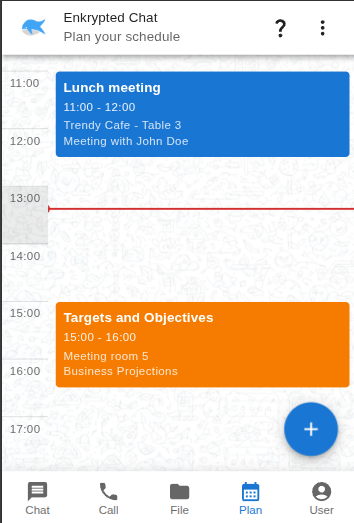
3. Add and manage events
Use the + button to create events. Edit or remove events from the calendar view. Everything stays on your device.